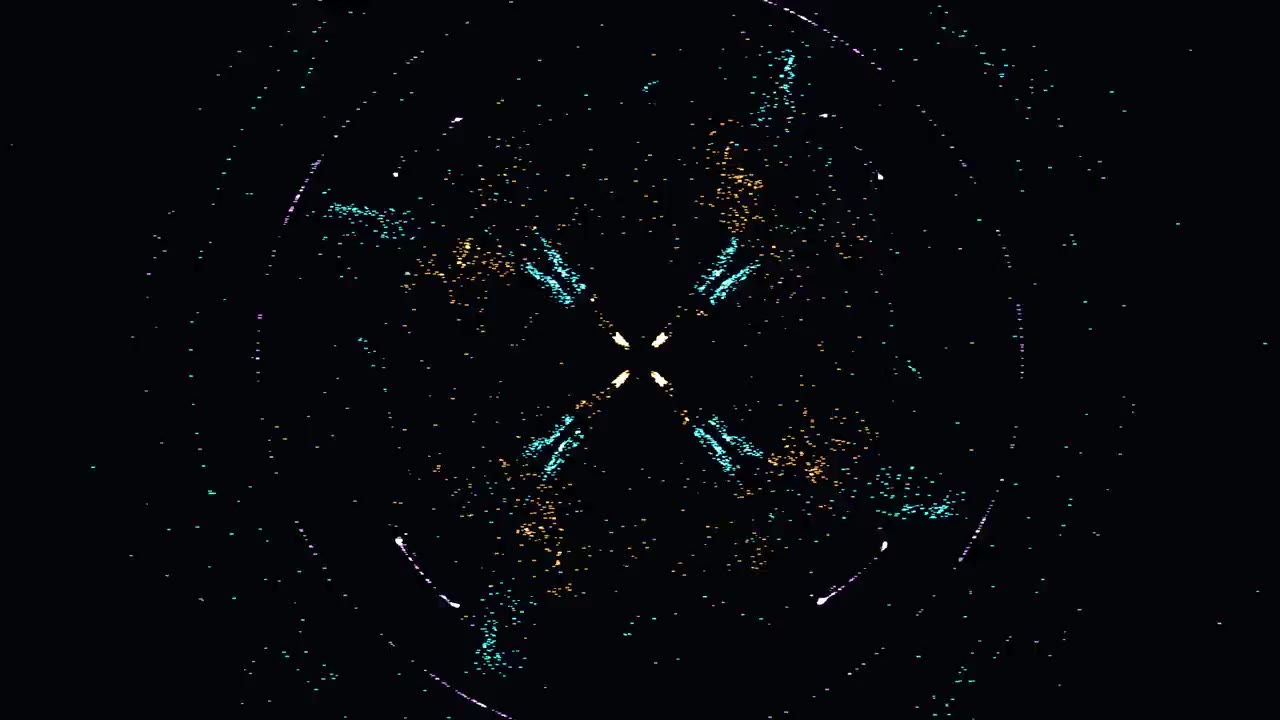

EchoSound
A music visualizer for Windows: it draws whatever your computer plays.
What it does
It listens to whatever plays on your computer, from any app. Play, pause and skip go to your music app, and dragging the picture zooms it.
Developer mode
Tune every parameter of every atmosphere while it plays, and save your own mixes by name.
Ten atmospheres
-
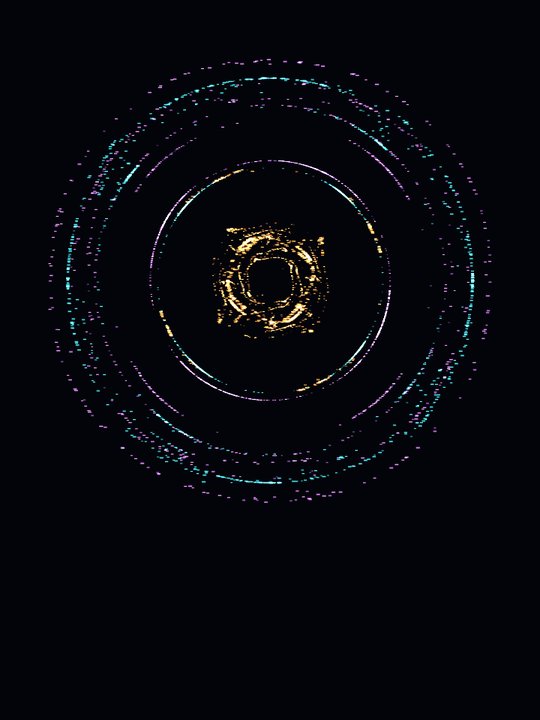
Mandala
Shimmering dust caught in deep, rippling currents of sound.
-
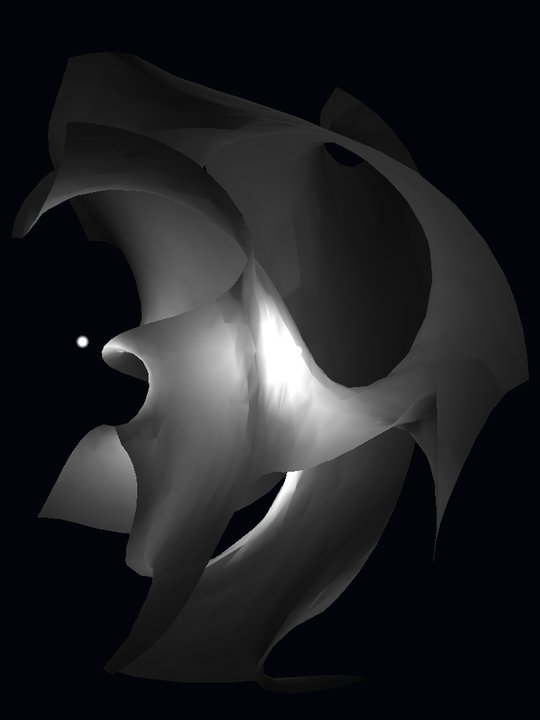
Steelscape
Wandering light skimming the folds of a liquid-metal landscape.
-
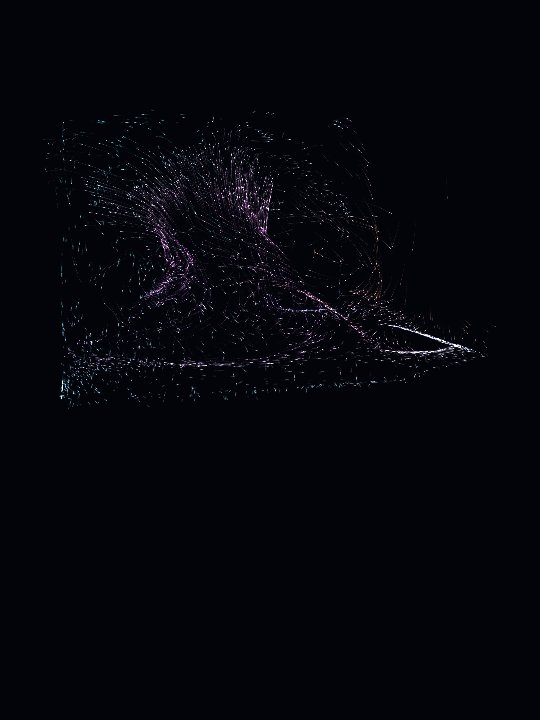
Cinders
Glowing embers lifted by the music, drifting softly down.
-
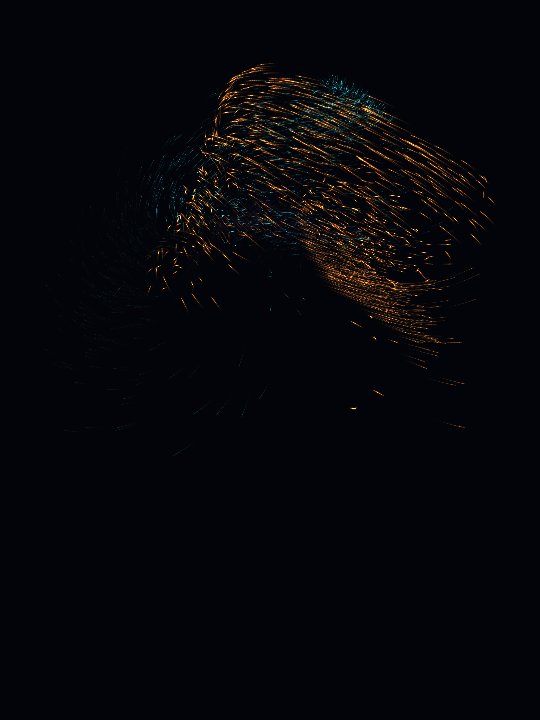
Aurora
Rivers of color following the rise and fall of your music.
-
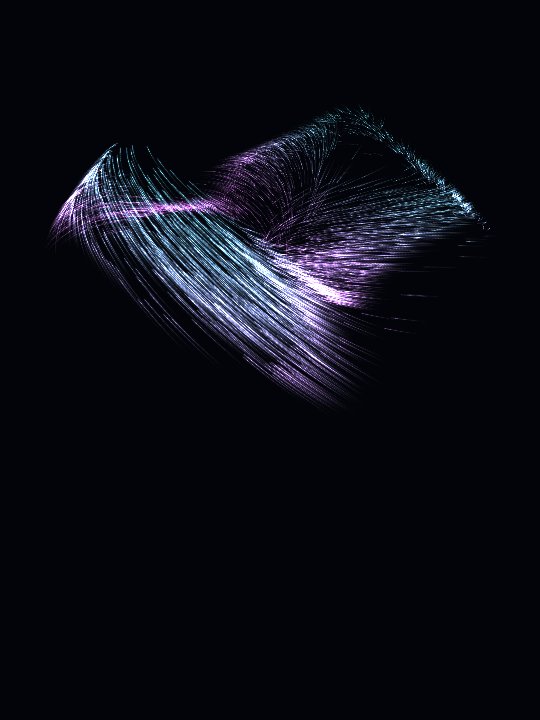
Murmuration
A living cloud of wings, gathering and unfurling.
-
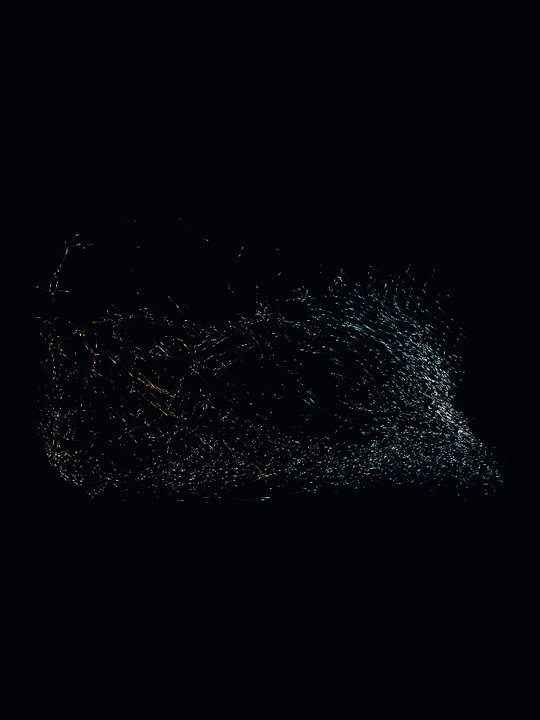
Lodestone
Luminous dust drawn together, then scattered by invisible currents.
-

Morph
A single luminous fold, endlessly reshaping itself to the music.
-
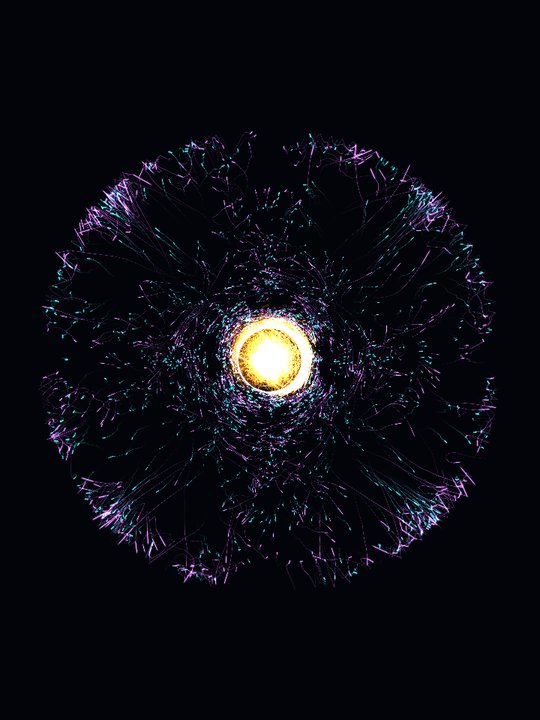
Fireeye
A burning core at the heart of the cylinder, its light flaring outward.
-
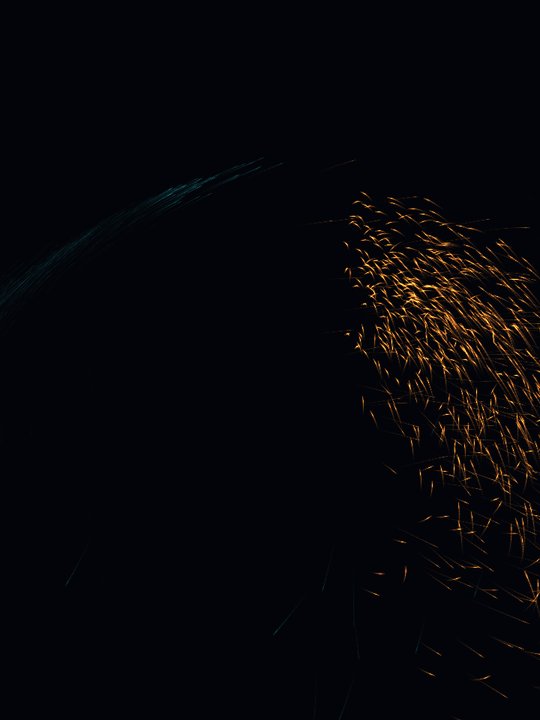
Foundry
Rivers of molten sparks poured along the curve of the music.
-

Storm Rhythm
Gusts of light driven by the beat, streaking and scattering.
For Windows
-
EchoSound for Windows
The ten atmospheres, as a ZIP: unzip it and run EchoSound.exe.
Buy for Windows, $4.99 -
EchoSound Developer for Windows
The same, with developer mode on.
Buy Developer, $6.98 -
Developer mode upgrade
For a copy you already have.
Get developer mode, $1.99
Where it runs
Platforms
- Windows: from this page, as a download.
- Android: coming to Google Play. Until then, a closed test: join the test.
- Steam: later.
What it needs
- Windows 10 or 11, 64-bit.
- Graphics with OpenGL 3.3 or Direct3D 11.
- Sound through the default output, at 44.1 or 48 kHz.
- No account. The sound is read on your computer and goes nowhere else.